 BY COLLECTIVE HERB
Know if the plan adds up.
Stop piecing together plant counts and grow schedules before every meeting. See what is in the lab and what the grow needs in the same place.
Room datesPlant targetsStage counts
Cannabis tissue culture lab software
Clonedock is tissue culture software for cannabis labs. It brings your plant counts, production schedule and daily lab work into one place. See what is growing, plan for the plants you need, and keep the team on the same page.
Know what moves next.
Connect the lab to the grow
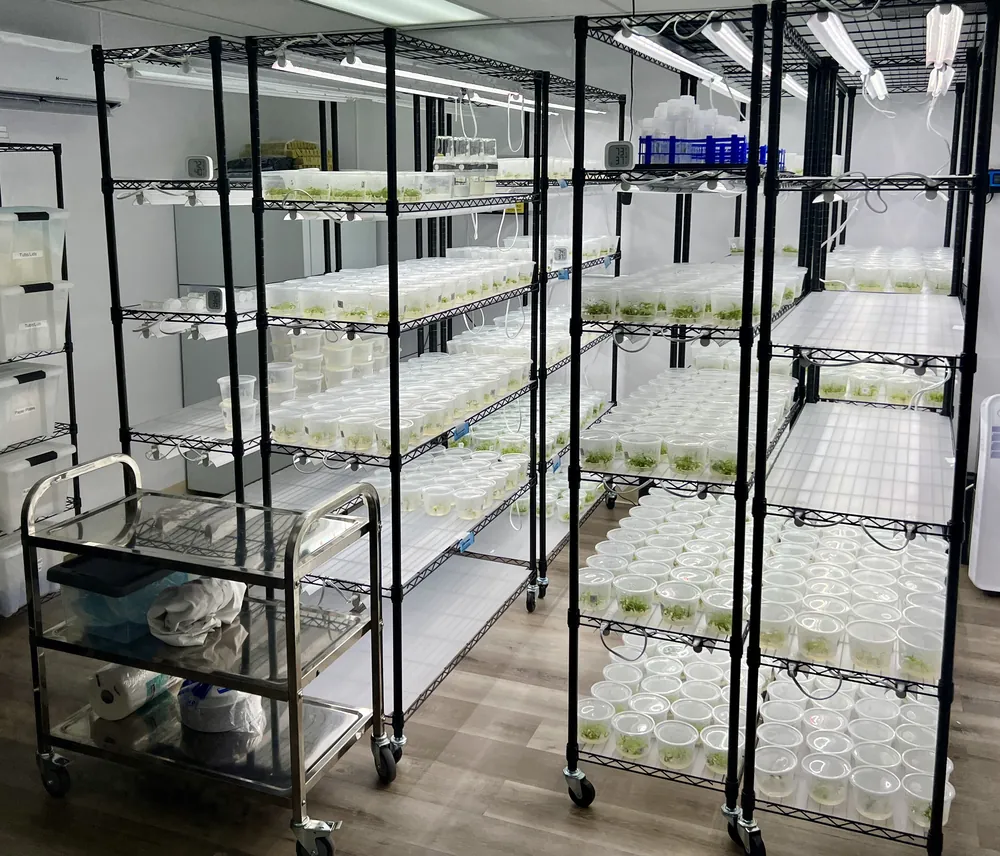
The grow team has rooms to fill. The lab needs time to produce the plants. Clonedock works back from the target date so both teams can see the plan.
Choose the varieties, plant counts and dates the grow needs.
See when to multiply plants, start roots and prepare plants to leave the lab.
Compare the plan with your latest counts and adjust when things change.
Less time chasing updates
Stop piecing together plant counts and grow schedules before every meeting. See what is in the lab and what the grow needs in the same place.
See what is due, what is overdue and which plants need attention. Open the record, do the work and log the update.
Find the recipe used, the plants produced and the notes from previous work. The next person should not have to start from memory.
A shared view of the lab
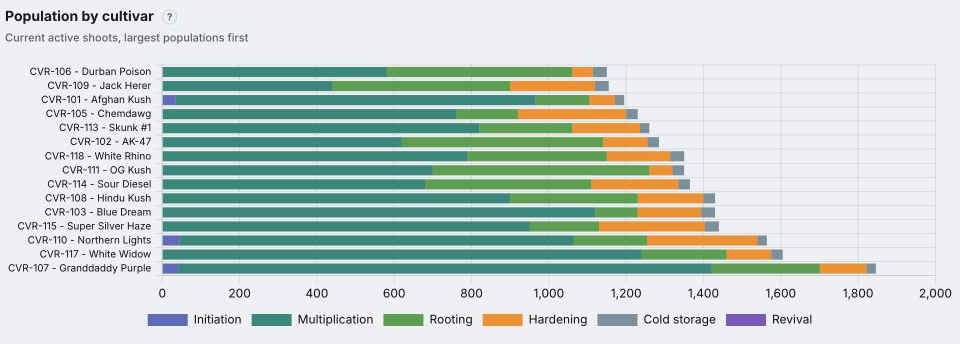
See how many plants you have, which varieties they are and where they are in the process. Lab staff and managers can work from the same records. Your team updates the counts as work happens.
Getting started
Bring your plant list, current counts and upcoming needs. You can build a first plan before you have a full history in Clonedock.
See what goes into setupReview your counts and the time each stage takes. Early plans can use estimates, so check those estimates with your team.
As you record more work, supported planning tools can use your lab’s past growth and rooting results. Your team can still review and adjust the inputs.
Choose which tools and records staff can access. Clients see only the records assigned to them.
Clonedock by Collective Herb
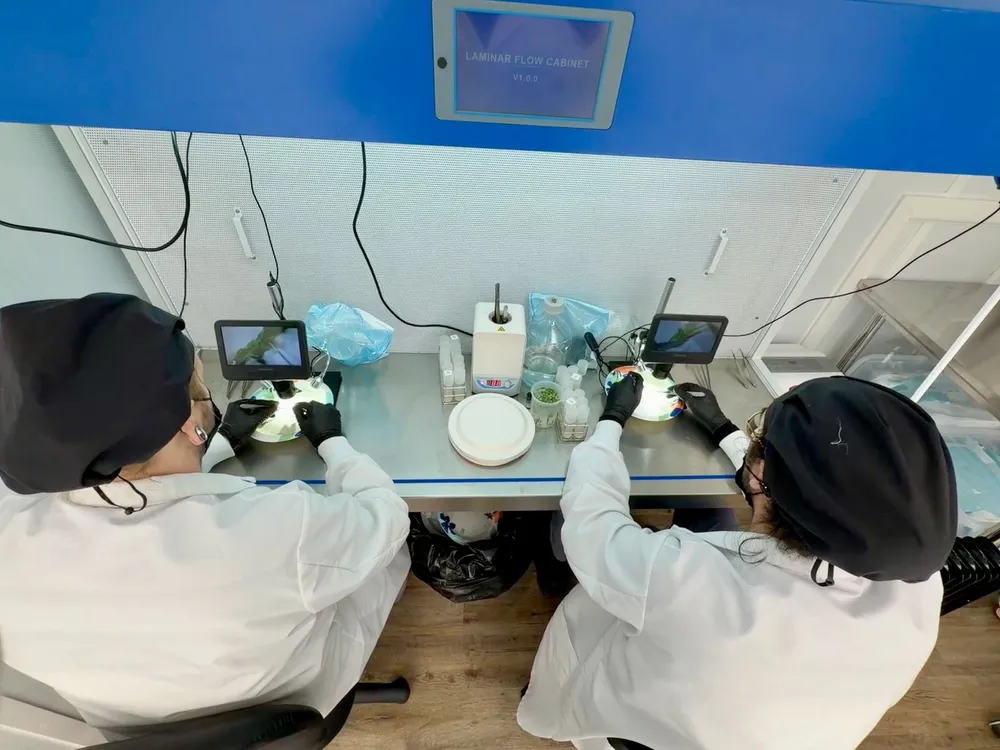
Collective Herb designs tissue culture labs and trains the teams running them. Clonedock brings that day-to-day work together: plant records, production plans, recipes, test results and labels.
Software access is included during a full Phase 1 lab build and implementation package. After Phase 1, continued access requires a paid software subscription, including during Phase 2 consulting.
Is Clonedock right for your team?
Tissue culture software keeps plant records, growing stages, nutrient recipes and lab work together. Clonedock helps cannabis labs see what they have, plan what they need to produce and keep the grow team informed.
Lab staff record the work and check what is due. Grow teams set plant targets and dates. Managers can review progress from the same records. Access depends on each person’s role and the records assigned to them.
Plant counts, plans and task records live together, so your team has one place to check before a meeting or handoff. Staff still need to record the work.
Yes. Setup includes reviewing your current plant lists, counts and recipes and helping bring your records into the workspace. We review your files and agree what can be brought over during onboarding. See software and onboarding options.

Know what moves next.
See how it fits your operation
Walk through the software with the plant counts, dates and everyday tasks that matter to your team.